
The France Recherche en Santé Humaine (FReSH) catalogue takes an inventory of health studies conducted in France that involve the collection of individual data.
In its first version, currently online, the FReSH catalogue is populated by contributions from data-producing research teams.
Create an account
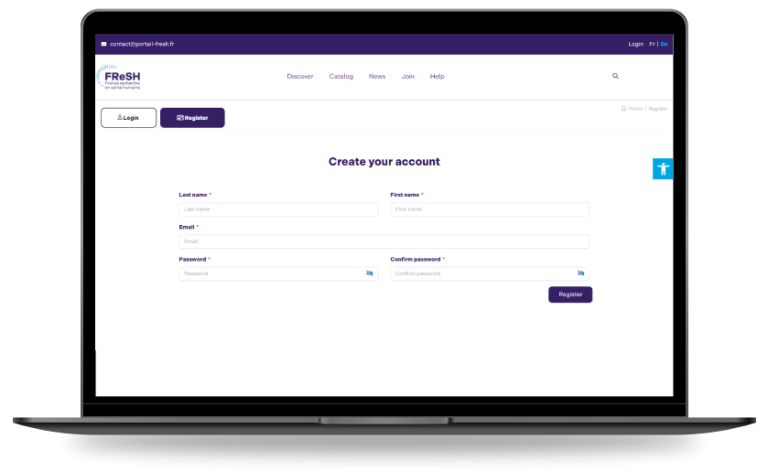
To contribute to the catalogue : the first step is to create an account by going to Login, then Register.
Contribute to the catalogue
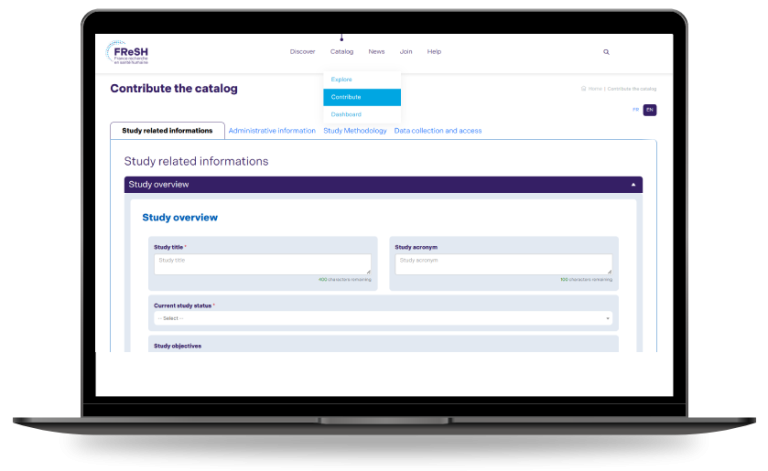
Once logged in, users can create and fill in a description form: Contribute to the catalogue. They can choose to contribute in French or English.
The contribution interface provides input assistance, including controlled vocabularies and contextual tooltips. It is possible to save the draft of the file to return to it at another time. Navigation between sections is possible either via the Next button at the bottom of the page or through the tabs at the top of the form.
Once the form is completed, the entry is finalised by clicking Finish.
The system then proposes an automatic translation, which the contributor may review and edit if needed.
The contributor receives an email notification confirming the submission of the file. If the contributor provides the contact details of the principal investigator, the latter also receives notification of the submission. After creating an account on the portal using the email address indicated in the record, the principal investigator is granted the same editing rights as the contributor.
My space
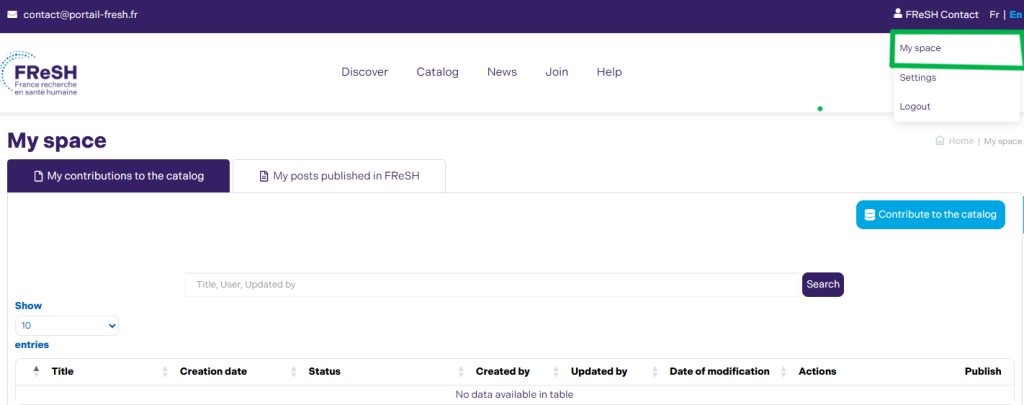
All contributions can be accessed at any time in My Space.
When the record is complete, its status changes to “Sent for publication.” From that point onwards, it becomes visible to the principal investigator (if different from the contributor) and to the catalogue administrator.
Following technical verification, the administrator publishes the record in the catalogue. If any issues are identified, the record may be returned to the contributor with a request for revision.
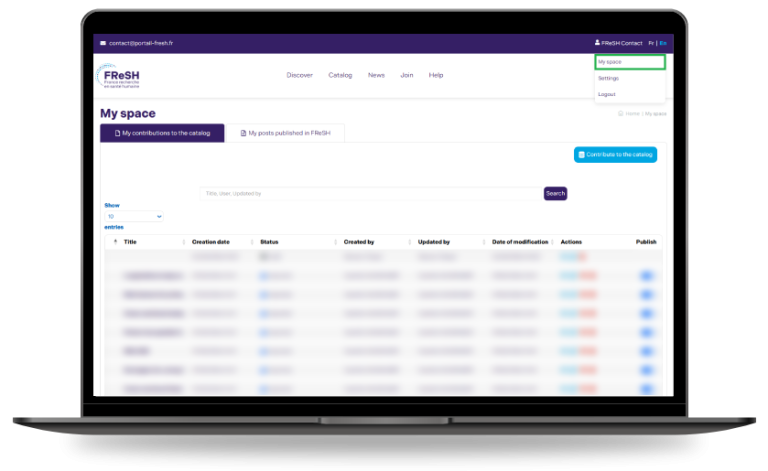
Records that have been sent for publication or already published remain editable by the contributor or the principal investigator via My Space. Any modification to a published record results in the creation of a new version, which undergoes the same submission and validation process prior to publication.
Additional questions
I cannot submit the form
I cannot see my record in the catalogue
I cannot find my record after submitting it
My record contains outdated or incorrect information
I have found incorrect information in the catalogue
Need assistance? Contact us
The France Recherche en Santé Humaine (FReSH) catalogue lists health studies conducted in France and involving the collection of individual data.
In its first version, currently online, the FReSH catalogue is fed by contributions from data-producing research teams.
Create an account
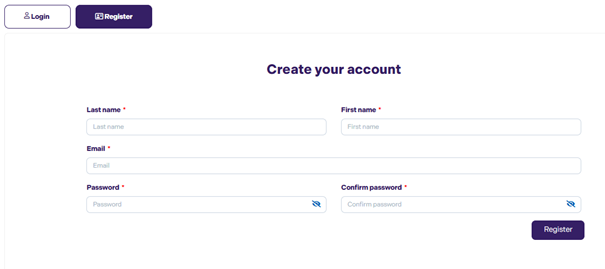
To contribute to the catalogue, the first step is to create an account via Login, then Register.
Contribute to the catalogue
Once identified, the user can create and fill in a descriptive sheet: Contribute to the catalogue. They can choose to contribute in French or English.
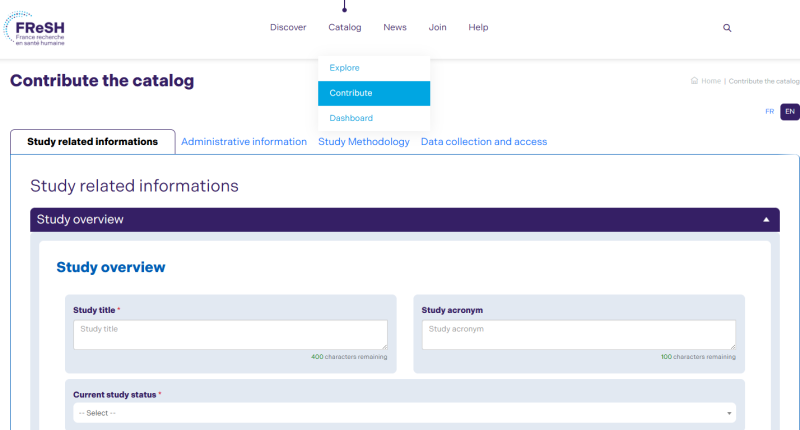
The contribution interface provides input aid: controlled vocabularies, tooltips. It is possible to save the draft of the fiche and resume it at another time. Navigation between sections of the form can be done either by using the Next button at the bottom of the page or by using the tabs at the top of the form.
Once the form has been completed, the entry is finalised by clicking on Finish .
The system then offers automatic translation of the sheet. This translation can then be reviewed and modified if necessary by the contributor.
The contributor receives a notification email confirming the submission of the sheet. If the contributor indicates the contact details of the scientific officer, the latter shall also receive notification of the submission. The scientific manager obtains the rights to modify the fiche in the same way as the contributor, after the creation of the account on the portal with the email address indicated in the fiche.
Contributors can view all their contributions in My Space.
- I cannot submit the form: Verify that all mandatory fields are filled in.
- I do not see my file in the catalogue: It may be in the process of being validated.
- I cannot find my form after submission: Check the status in your dashboard.
- My form contains outdated or incorrect information: modify the fiche from the contributing area.
- I find incorrect information in the catalogue: contact the FReSH team to make the necessary changes.